Monitoring changes to the quality of your stock on hand
Overview
Once you have your dead stock under control, you need to get a finer understanding of your live stock. Not all live stock is the same. Some live stock is core range, other live stock is less important, such as Endless Isle (Extended Range) stock. Getting a better understanding of your stock can help you get the most of of the money you have tied up in stock.
Procedure
Select Inventory then Products from the Navigation panel. Then from the Product list view, create a series of view variants to help you better understand your stock:
- Dead stock, products that are just about never selling. Discussed separately, see: How can I free up cash and space currently tied up in dead stock.
- Obsolete products, products that you can't buy anymore
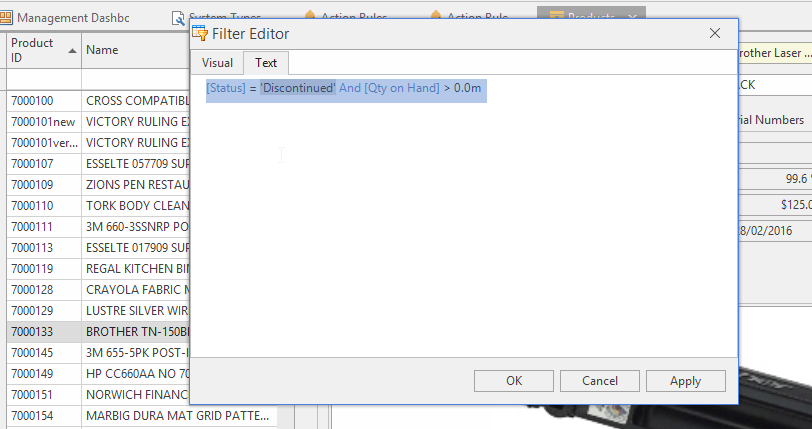
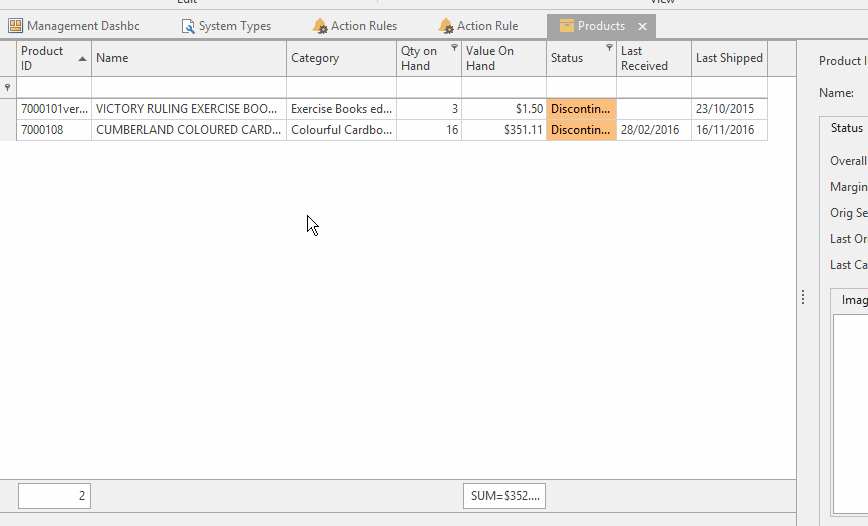
- Create a view variant "Discontinued stock". Then apply the filter below:
[Status] = 'Discontinued' And [Qty on Hand] > 0.0m
- Store products, products that are not by default displayed on the website
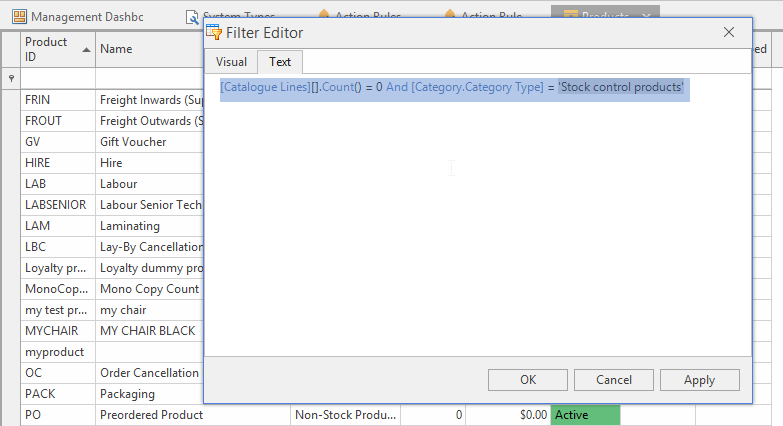
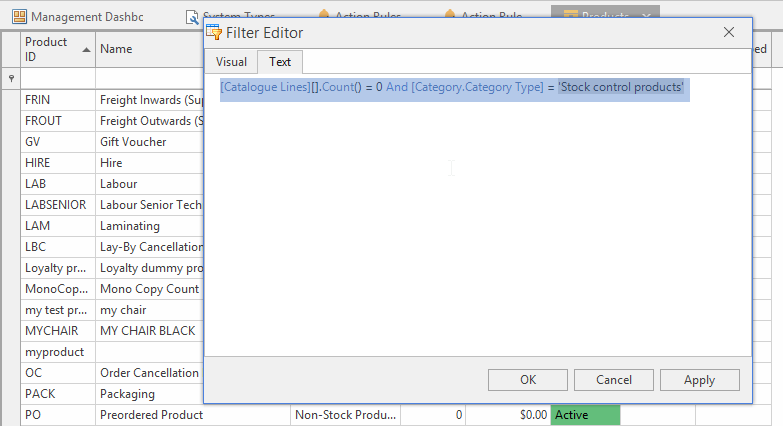
[Catalogue Lines][].Count() = 0 And [Category.Category Type] = 'Stock control products' And [Qty on Hand] > 0.0m
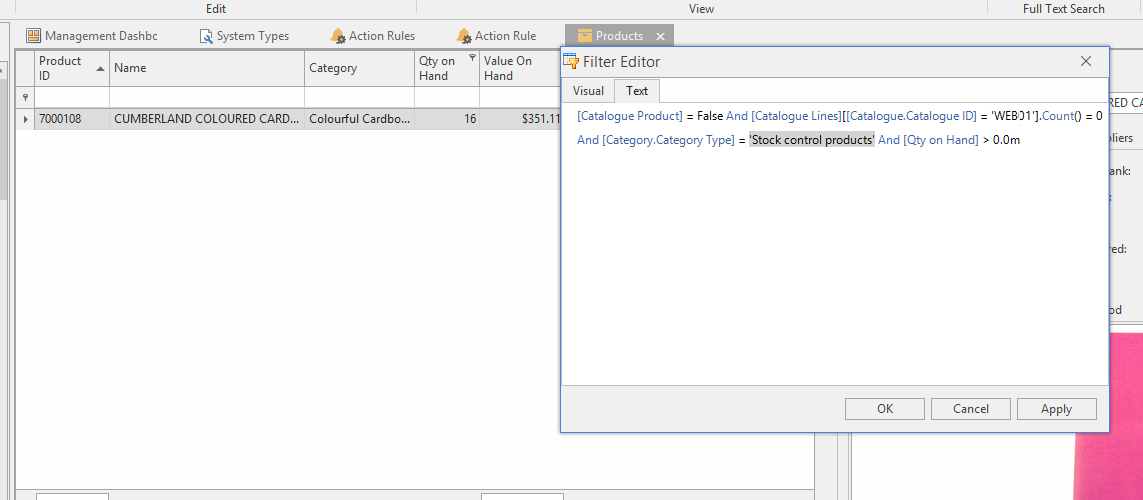
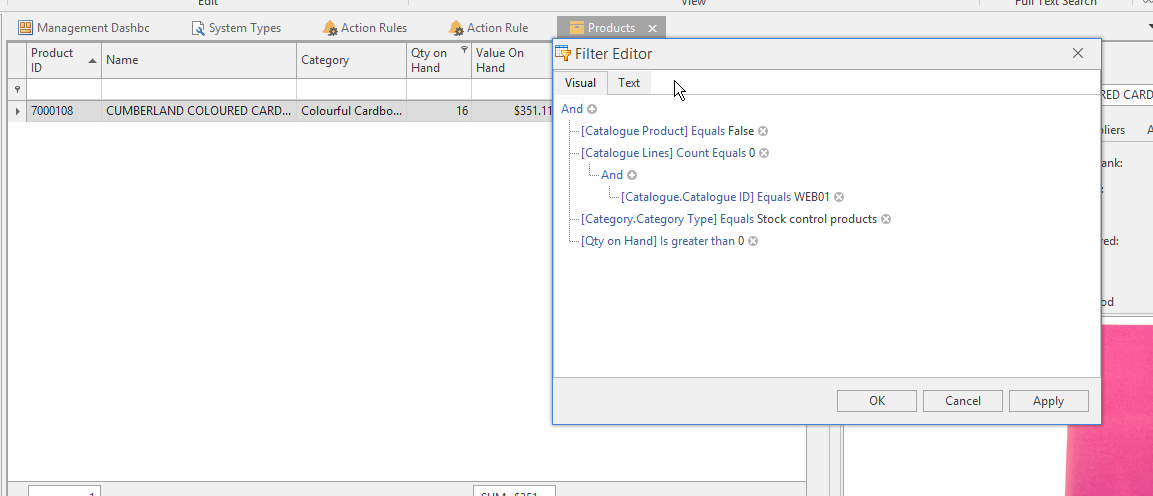
- Endless Isle (Extended Range) products, extra products beyond the core range
[Catalogue Product] = False And [Catalogue Lines][[Catalogue.Catalogue ID] = 'WEB01'].Count() = 0 And [Category.Category Type] = 'Stock control products' And [Qty on Hand] > 0.0m
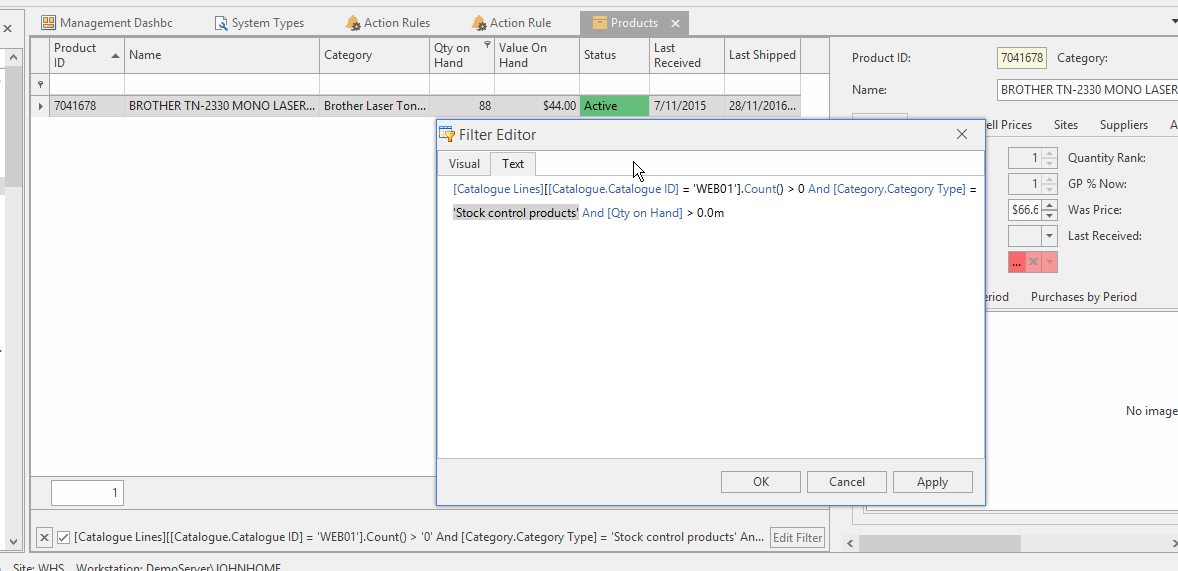
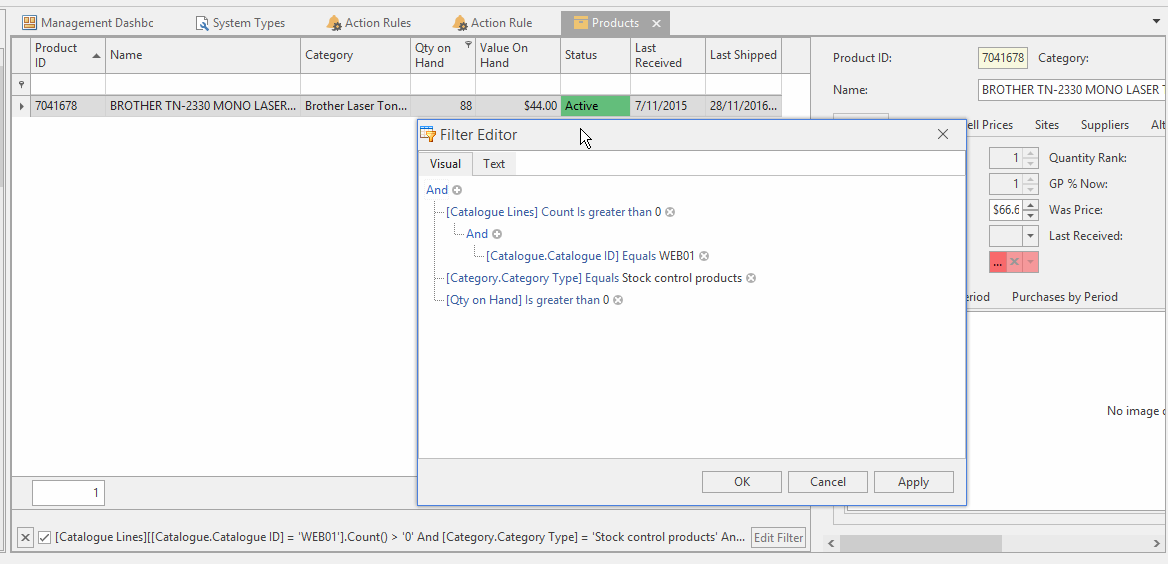
- Web01 products, products displayed on the website, not not regarded as core range catalogue products
[Catalogue Lines][[Catalogue.Catalogue ID] = 'WEB01'].Count() > 0 And [Category.Category Type] = 'Stock control products' And [Qty on Hand] > 0.0m
- Catalogue products, core product lines
[Catalogue Product] = True And [Category.Category Type] = 'Stock control products' And [Qty on Hand] > 0.0m
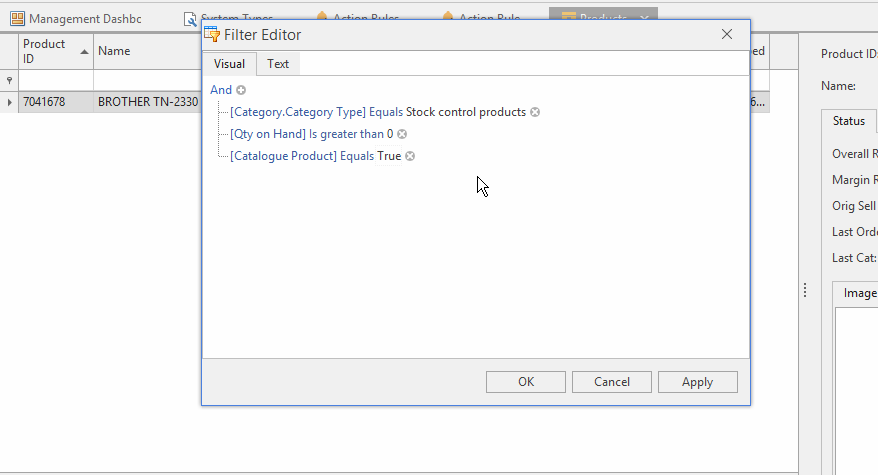
- Products that used to be on a Corporate Catalogue but have now been moved to Web01 or Endless Isle (Extended Range)
- Other more detailed combinations are possible. Showing you recent history. Such as which products used to be catalogue products but are not catalogue products now. Products which used to be catalogue lines but which are now Web01 or Endless Isle (Extended Range).
[Catalogue Product] = False And [Catalogue Lines][[Catalogue.Catalogue ID] = 'WEB01'].Count() > 0 And [Catalogue Lines][[Catalogue.Catalogue ID] = 'CC08''].Count() > 0 And [Category.Category Type] = 'Stock control products' And [Qty on Hand] > 0.0m
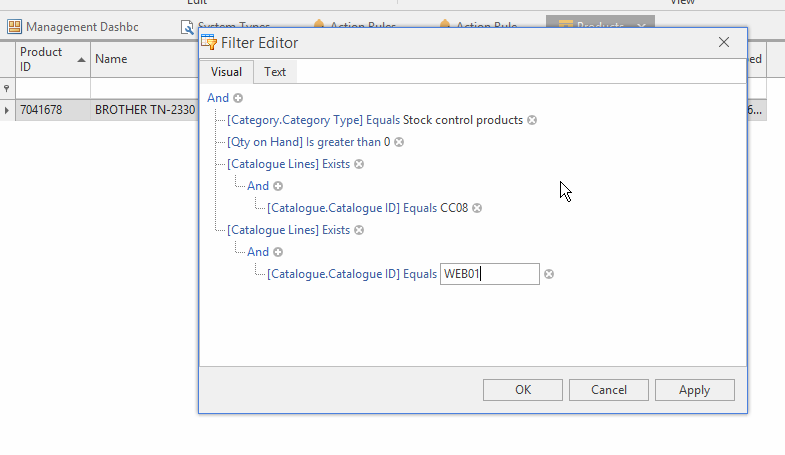
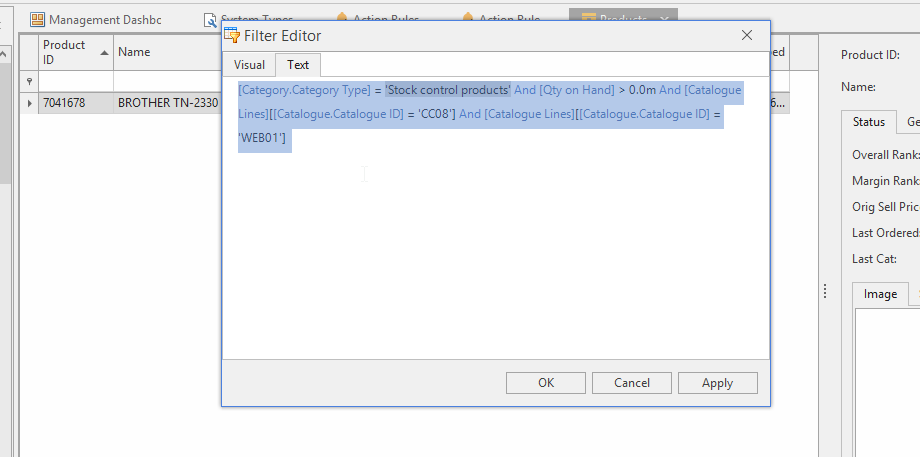
- For example the filter can:
- Finds all products you stock
- Trims the list down to those that are now in a catalogue, such as CC08 (or later CC09). It does not matter if you have loaded CC08 or any other catalogue
- For only those products that are in a catalogue like CC08/CC09, the filter finds the ones that are also in Web01 or in Extended Range (Endless Isle).
- Again you don’t have to load the Web01, Extended catalogue or any catalogue. The filter works form the catalogues directly, even if none of them are loaded it will work fine.
- The reason why you don’t need to load any catalogues to use this filter is that catalogue lines are linked to products when they are imported into Readysell. Even if you do not load the catalogue. So you can filter on just about any catalogue comparison.
- As a result the filter should answer exactly the questions “This spotted one CC08 product that is now on the Extended catalogue.” As long as that is the requirement, this filter does the job.